PixelSpot
/
PixelPlay
PixelSpot
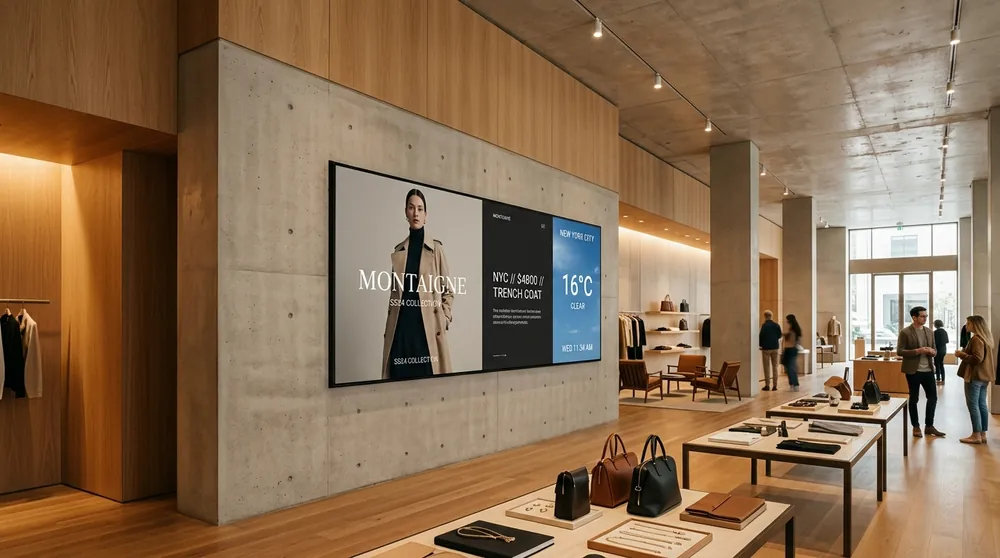
A cinematic digital signage operating system for every commercial display. Hardware-accelerated 4K gapless playback, fleet updates in seconds, and effortless cloud management.
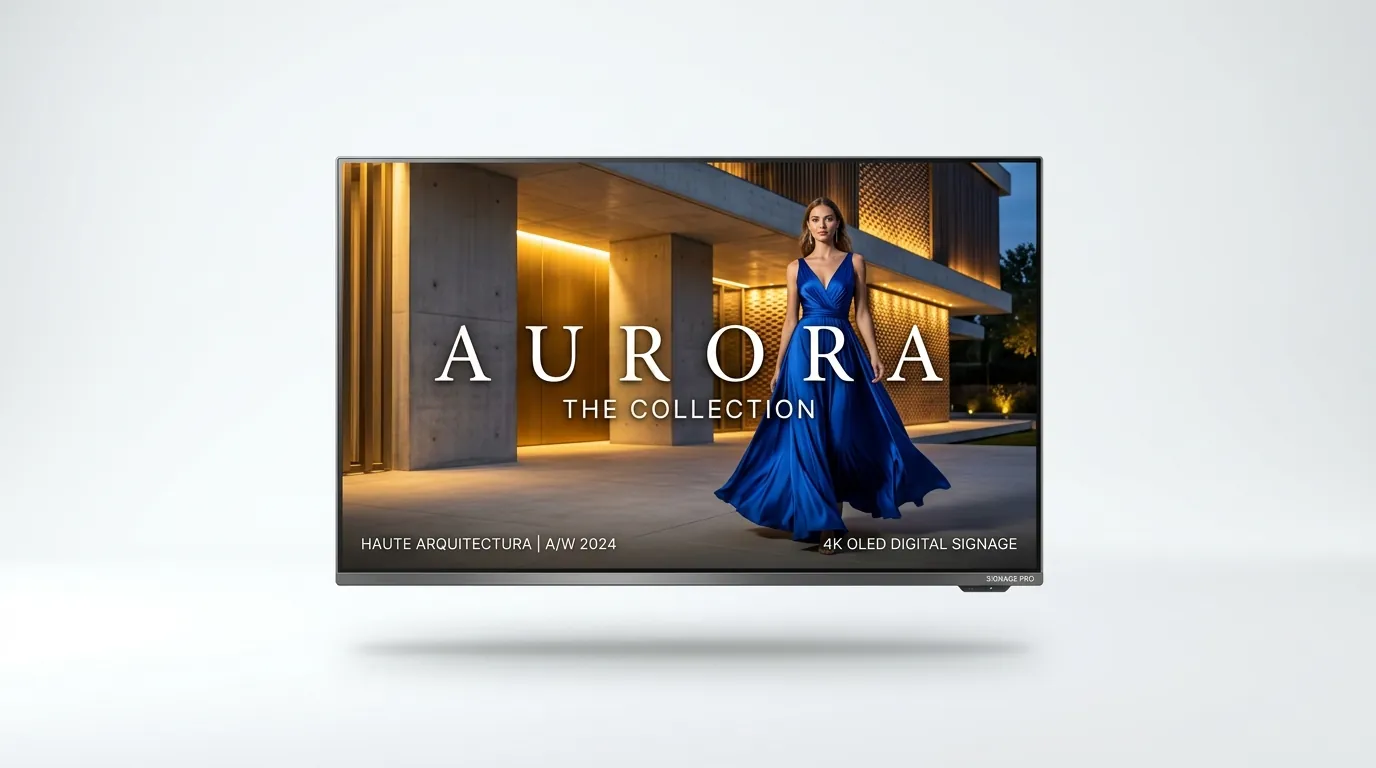
From a single storefront display to a multi-site DOOH network, PixelPlay keeps every screen simple to run.
Divide your display into rich coordinated zones: 4K hero video, animated side menus, real-time RSS tickers, weather forecasts, and dynamic QR promotions that update in real time.
Turn on any TV, launch the PixelPlay app, and see a one-time 6-digit pairing code. Enter it into your cloud dashboard and your screen is instantly connected.
Local flash storage caching keeps the screen playing. Videos, high-res graphics, and playlists loop continuously through network interruptions or store power cycles.
Every ad play is recorded in a signed proof-of-play log, giving DOOH media buyers exportable delivery reports.
Turn standard Amazon Fire TV Sticks, certified Android boxes, Raspberry Pis, or existing commercial smart TVs into enterprise players.
These are the platforms we deploy for our own customers today: off-the-shelf hardware, quick to set up, quick to pair, and kept current by automatic updates.
Most stable production deployment
Most affordable production deployment
Fastest way to get started — zero install
Whether you are setting up a single storefront display or rolling out screens across a retail chain, each screen pairs in minutes. No proprietary hardware, no command lines — just pure, native performance on the screens you already own.
PixelPlay turns off-the-shelf media boxes, 4K streaming sticks, and commercial micro-PCs into dependable enterprise digital signage players. No proprietary lock-in, zero specialized hardware markup.
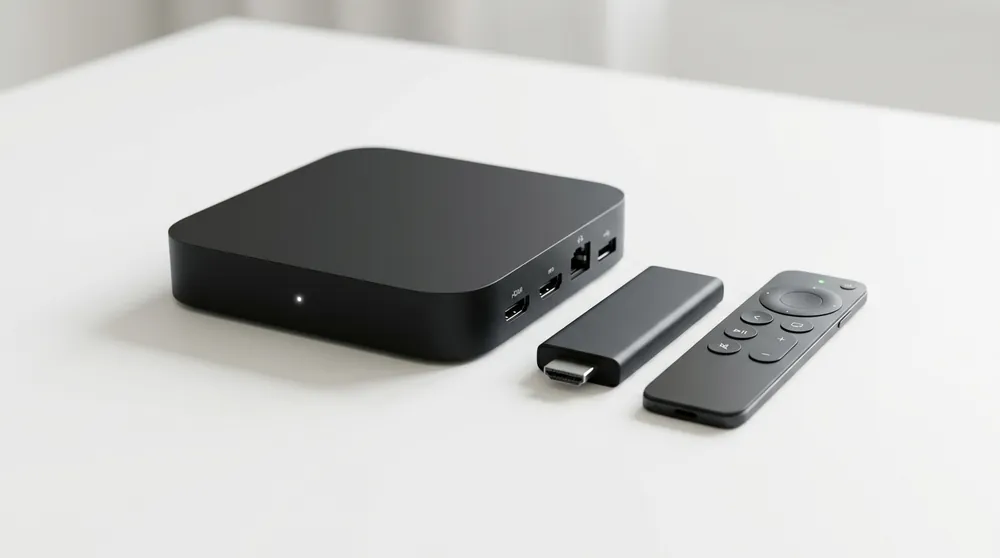
Recommended hardware: Mi Box, Nvidia Shield, OnePlus TV, and any Google-certified Android TV running Android 9+.
Settings → Device → About → Build and tap the Build number 7 times until unlocked.
Settings → Security & Restrictions → Unknown Sources and toggle Enable for your browser or file manager.
install.pixelspot.in/android or copy via USB drive, then click Install.
Fully compatible with Fire TV Stick (2nd gen+), Firestick 4K, Fire TV Cube, and Fire TV Stick Lite. ₹3,500–₹6,000 hardware cost per screen.
Settings → My Fire TV → Developer options and turn ON "Apps from Unknown Sources".
install.pixelspot.in/firetv, wait for download, and tap Install.
Zero software installation. Runs on laptops, smart TVs with web browsers, mini-PCs, or Chromebooks.
pixelspot.in/player.html or play.pixelspot.in.
F11 (or click the fullscreen icon on player) to conceal the address bar and OS window border.
Turn any Raspberry Pi 4 or 5 into a rock-solid, hardware-accelerated 24/7 commercial signage endpoint.
High-performance Electron packages for Intel/AMD x86_64 mini-PCs, Intel NUCs, and industrial multi-output video wall controllers.
PixelSpot-Setup.exe on Windows 10/11 or install the .deb / AppImage on Ubuntu/Debian.
Commercial digital signage demands zero blackouts, automated restarts, and bulletproof offline playback. Here is how PixelSpot delivers enterprise resilience.
Google Play Store, Amazon Appstore, and Chrome Web Store reviews take weeks. Rather than block customer rollouts, we distribute the exact same signed, production-ready APK builds via direct download. When store listings approve, your players roll over seamlessly without reconfiguration.
Compare engine performance, offline durability, video decoding, and installation complexity across hardware tiers.
| Platform | Graphics Engine | Video Decoding | Offline Cache | Auto-Updates | Kiosk Watchdog | Setup Time |
|---|---|---|---|---|---|---|
| Android TV / FireOS ✦ Best pick | Native ExoPlayer + GPU | 4K @ 60fps HEVC/VP9 | Native Storage | Automatic 15m | Boot Launcher | 3–5 min |
| Windows 10 / 11 | Electron + DirectShow | 4K @ 60fps Multi-GPU | SSD Cache | Background | Windows Service | 2 min |
| Linux Desktop (Deb/AppImage) | VA-API Hardware Accelerated | 4K @ 60fps H.264/H.265 | Ext4 Storage | Package Manager | systemd Service | 3 min |
| Raspberry Pi (ARM64) | Broadcom V3D / Chromium | 1080p / 4K @ 30fps | MicroSD / NVMe | OTA Manifest | Kiosk systemd | 10–15 min |
| Web Browser (Chrome/Edge/Safari) | HTML5 Canvas + WebGL | Browser Native (1080p) | — Active Net Req | Instant Cloud | F11 Fullscreen | 1 min (Zero install) |
Engineered to manage a single digital menu or a multi-site DOOH network with equal ease.
No manual polling or screen delays. When you push a playlist or command a reboot, displays react within seconds over persistent WebSockets. Take live remote screenshots to verify what customers are seeing in real time.
Divide any screen into multiple interactive zones: 4K hero video, animated side promos, real-time RSS ticker news, weather forecasts, and custom QR codes.
Cast your laptop screen or video stream directly onto any paired display with low latency. Perfect for emergency broadcast alerts, live keynotes, and retail announcements.
Every ad play is logged with timestamps in a signed proof-of-play record. Export audited proof-of-play reports for brand advertisers or monetize excess screen time by listing slot inventory on the PixelSpot DOOH Marketplace.
Start with a full-featured free trial with zero credit card required. Upgrade seamlessly as your screen network expands.
Best for first deployments & single stores
For multi-site brands, showrooms & gyms
For DOOH networks, malls & large fleets
Everything you need to know about setting up, sideloading, and managing PixelPlay displays.
Settings → My Fire TV → Developer options → Apps from Unknown Sources → Turn ON. On Android TV: go to Settings → Security & Restrictions → Unknown sources and toggle enable for the downloader or browser app.
api.pixelspot.in on port 443. The two most common causes of disconnects are captive portal Wi-Fi login screens requiring browser authentication, and device clocks drifting by more than 5 minutes (enable automatic NTP network time in device settings). Full diagnostics are available under CMS → Screens → Diagnostics.